
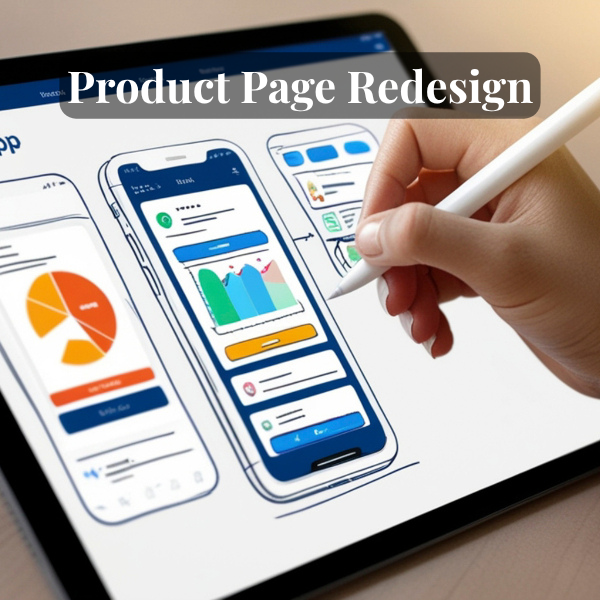
Product Page Redesign: From Listing to Experience

Product Page Redesign: From Listing to Experience

Product Page Redesign: From Listing to Experience

How I applied the 3 essential elements to my own platforms

When I wrote about the 3 elements every product page should have, it wasn’t theoretical.

I was actively redesigning my own platforms— ExclusiveGiftsStore.com and
ElegantDressesOnline.com

This is how I translated those principles into real product pages.

The 3 Elements (Quick Recap)

1. Clarity → What is this and who is it for?
2. Trust → Why should I believe this?
3. Action → What should I do next?

Example 1: Gifting Product (Exclusive Gifts Store)

BEFORE (Typical Affiliate Listing)

  • Generic product title
  • Manufacturer description copied
  • No emotional context
  • “Buy Now” button only
  • No clear differentiation

Result: Looks like every other listing online

AFTER (Redesigned Experience)

1. Clarity Layer

  • Rewritten title focused on use case “Premium Gourmet Gift Basket for Corporate & Holiday
    Gifting”
  • Short intro: “A refined, ready-to-ship gift designed for clients, teams, and special occasions.”

2. Trust Layer

Highlighted:

  • What’s inside the basket
  • Brand positioning (premium, curated)
  • When to use it (holidays, corporate gifting)

Future additions:

  • Customer reviews
  • Occasion-based recommendations

3. Action Layer

CTA aligned with platform:

  • “Visit Merchant” or “Check Price on Amazon”
  • Clear note: “You’ll be redirected to Amazon to complete your purchase.”

Reduced friction, increased clarity

Key Shift

From: Product listing To: Decision support experience

Example 2: Fashion Product (Elegant Dresses Online)

BEFORE

  • Image-heavy grid
  • Minimal context
  • No styling guidance
  • No audience clarity

AFTER

1. Clarity Layer

Product reframed as: “Evening Elegance: Satin Maxi Dress for Formal Events”

Added:

  • Occasion (wedding guest, gala, dinner)
  • Fit and styling cues

2. Trust Layer

Focus on:

  • Fabric feel
  • Silhouette
  • Where it works best

Future scope:

  • “How to style this” section
  • Similar alternatives

3. Action Layer

CTA:

  • “View Dress Details” / “Shop This Look”

Positioned within a curated experience, not a raw listing

Key Shift

From: Browsing clothes To: Choosing a look with confidence

System Behind the Redesign

This wasn’t random—it’s part of a repeatable system:

  • Blog → Product page → Email → Social
  • SEO-led content + curated products
  • WooCommerce + affiliate integration
  • Clear CTA compliance (Amazon / Impact)

What Changed the Most

Not design tools. Not layout.

Thinking changed.

Instead of asking:
“How do I display this product?”

I now ask:
“What does the user need to feel confident making a decision?”

Final Takeaway

Most product pages don’t fail because of bad design. They fail because they don’t support decision-making.

When you design for clarity, trust, and action— conversion becomes a natural outcome.

Want help redesigning your product experience?

About This Work

This redesign is part of my broader work across ecommerce, UX strategy, and digital product ecosystems under Crystal Multimedia.
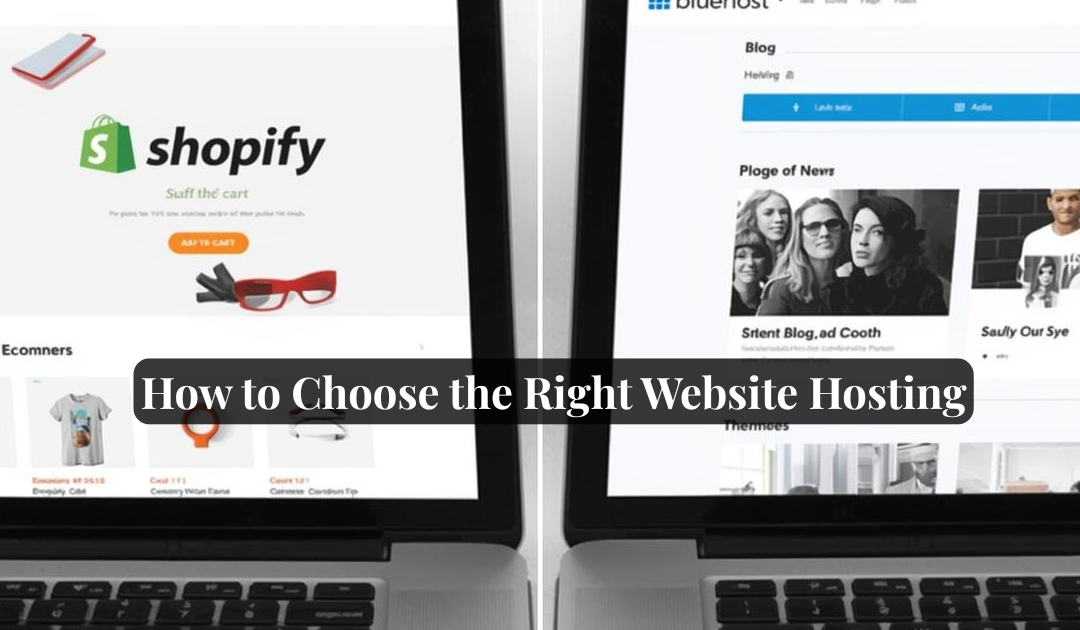
How to Choose the Right Website Hosting: Bluehost, Shopify, or Something Else?

How to Choose the Right Website Hosting: Bluehost, Shopify, or Something Else?

How to Choose the Right Website Hosting: Bluehost, Shopify, or Something Else?

“Do I go with Bluehost? Or is Shopify better for what I need?”

If that question has crossed your mind, you’re not alone.

Whether you’re launching your first blog, building a portfolio, or starting an online store, choosing the right hosting platform is a big first step. And while the tech world throws around terms like “shared hosting,” “SSL,” and “one-click install” like confetti—you don’t have to get overwhelmed.

Let’s break it down so you can make a smart, confident decision based on what you actually need.

🎯 Start With This: What’s Your Website’s Purpose?

Before we even talk about pricing or features, ask yourself:

GoalRecommended Direction
Selling products onlineShopify or WooCommerce (via Bluehost)
Sharing content or blogsWordPress (via Bluehost or SiteGround)
Promoting a service or brandWordPress, Wix, or Squarespace
Booking clientsWordPress with plugins or Squarespace
Just testing the watersWix free plan or WordPress.com

🥊 Shopify vs Bluehost (with WordPress): The Face-Off

Here’s a quick comparison of Shopify and Bluehost + WordPress, ranked across the things that matter most:

FeatureShopifyBluehost + WordPressWinner
Ease of Use⭐⭐⭐⭐ (All-in-one)⭐⭐⭐ (Some learning curve)Shopify
Design Flexibility⭐⭐⭐⭐⭐⭐⭐ (Endless themes & plugins)Bluehost
E-Commerce Ready⭐⭐⭐⭐⭐ (Built-in)⭐⭐⭐⭐ (With WooCommerce)Shopify
PricingStarts at $39/monthStarts at ~$3/month hosting + $0 WPBluehost
Customer Support24/7 Chat + Phone24/7 Chat + PhoneTie
Ownership & ControlLimited (closed system)Full site ownershipBluehost
App Integrations⭐⭐⭐⭐⭐⭐⭐⭐⭐ (Plugins galore)Bluehost
Speed & Performance⭐⭐⭐⭐⭐⭐⭐ (Depends on plan)Shopify
Best ForProduct-based businessContent-based & versatile sitesDepends!

💡 So…Which One Should You Choose?

  • 🛍️ Go with Shopify if…
    You’re building an online store and want a platform that’s built for selling from day one, without needing plugins or custom setup.
  • ✍️ Go with Bluehost + WordPress if…
    You want more creative control, plan to blog, share services, or run a hybrid site (e.g., coaching + e-commerce), and are okay learning a few things.
  • 💼 Still unsure?
    Try both! Most platforms have trials or money-back guarantees. It’s worth a quick test run to see what feels right.

🚀 Final Thoughts

Choosing a hosting provider isn’t just about tech specs—it’s about how you want to show up online, how comfortable you are with DIY, and what kind of growth you’re planning.
At Crystal Multimedia, we help clients build on both. But we always say:

👉 “Start with clarity, not code. Know your goals, then match the tools.”
Need help figuring it out?
📩 Reach out or watch our short demo video here to see both platforms in action.

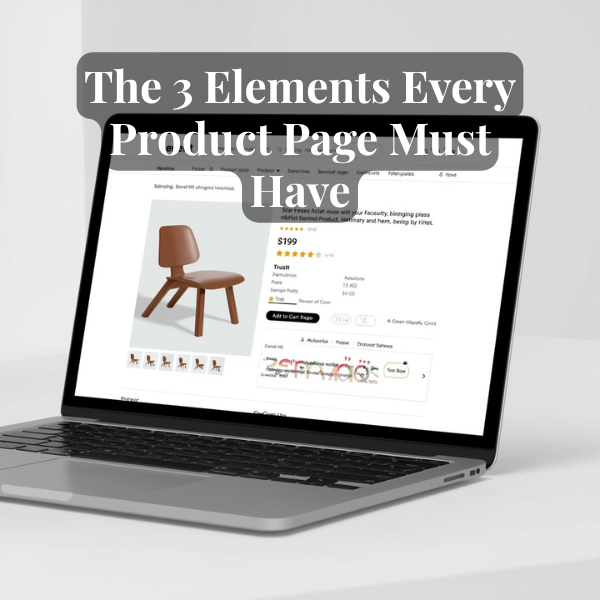
The 3 Elements Every Product Page Must Have

The 3 Elements Every Product Page Must Have

The 3 Elements Every Product Page Must Have

Product pages are often overlooked—but they’re where users make the decision. Here’s what to focus on.

Elements:

  1. Story-driven headline and benefit-based subcopy
  2. Trust icons (reviews, guarantees)
  3. Visual hierarchy + CTA that feels natural

Takeaway:

Product pages should make people feel something, not just show something.